Captain Ratatype
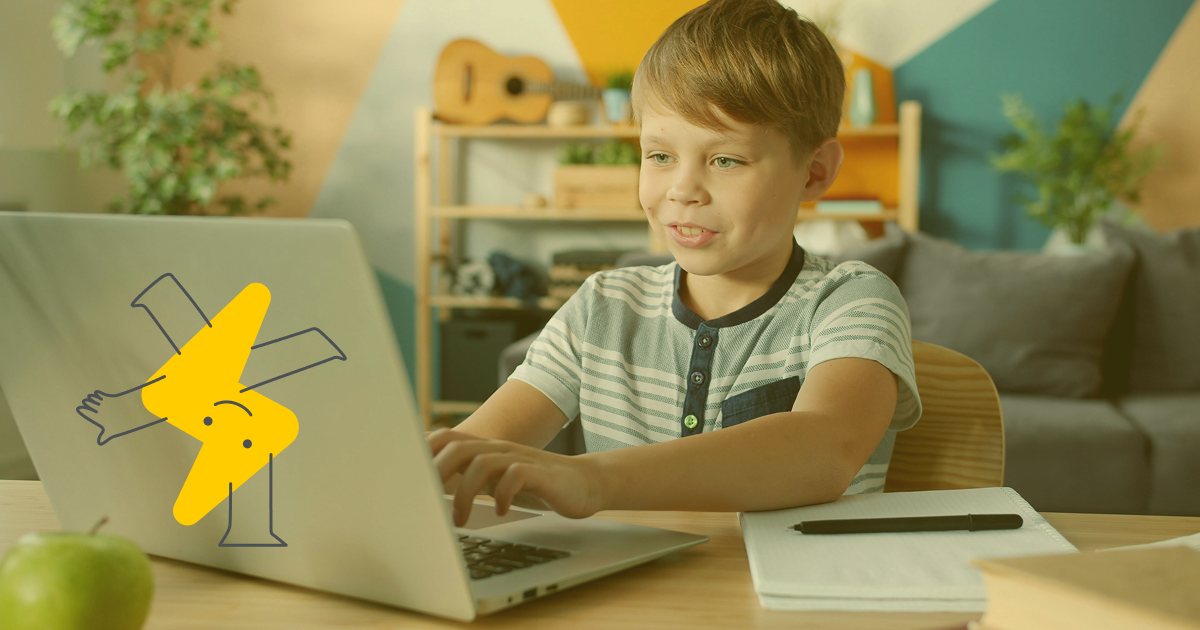
Schools around the world approach typing instruction in different ways. In the United States, for example, keyboarding is a required part of the school schedule. In the UK, typing is part of the computer literacy curriculum. Students also learn to type fast in Spain, France, Poland, Ukraine, and many other countries.
How to introduce kids to the keyboard
It's best to start getting familiar with the keys in the early elementary grades. First, kids are simply shown how the keys are laid out on the keyboard, and then they learn the correct hand position. On Ratatype, you'll find a detailed guide on how to learn touch typing, where we explain the connection between muscle memory and typing speed.
From there, students can move on to more challenging exercises and work on their speed and accuracy.
How fast should kids be able to type?
There's no single international standard. Every country, and even every individual school, may have its own requirements. But if you average them all out, you get roughly these benchmarks:
- Ages 7–8: correct finger placement, getting to know the keyboard
- Ages 8–9: ~5–10 WPM
- Ages 9–10: ~10–15 WPM
- Ages 10–11: ~15–20 WPM + starting/mastering touch typing
- Ages 11–13: ~20–30 WPM
- Ages 13–16: ~30–40 WPM
- Ages 16+: ~40 WPM as a good baseline speed for school and work
But the main thing isn't speed at all — it's knowing how to place your fingers correctly on the keyboard and not looking at the keys while typing.
How to motivate kids to learn keyboarding
Keyboarding practice definitely shouldn't be a boring routine. If kids lose interest in the keyboard, they'll just type with two fingers and won't focus on using the right technique.
That's why it's best to make learning feel like a game. Fun exercises, colorful characters, a dark theme, rewards, and achievements — all of these can give kids extra motivation to keep learning.
And Ratatype has all of this. Keyboard games can also be a teacher's secret weapon. They help build typing accuracy. And the best part is that kids think they're just playing — and that they have the best teacher in the world, who lets them play games right in class ;)
How teachers can track student progress
It's easy. Ratatype lets you create classes. Just add students to your class, and you'll see when they last practiced and what results they achieved. And with Ratatype Plus for Classes, you can also remove exercise limits, unlock the dark theme, and get an extra character to keep lessons varied.
So, teaching keyboarding at school is a great investment in a child's future résumé and digital skills. Try Ratatype in your classes and see for yourself: there's nothing better for learning touch typing than game-based exercises and fun games.